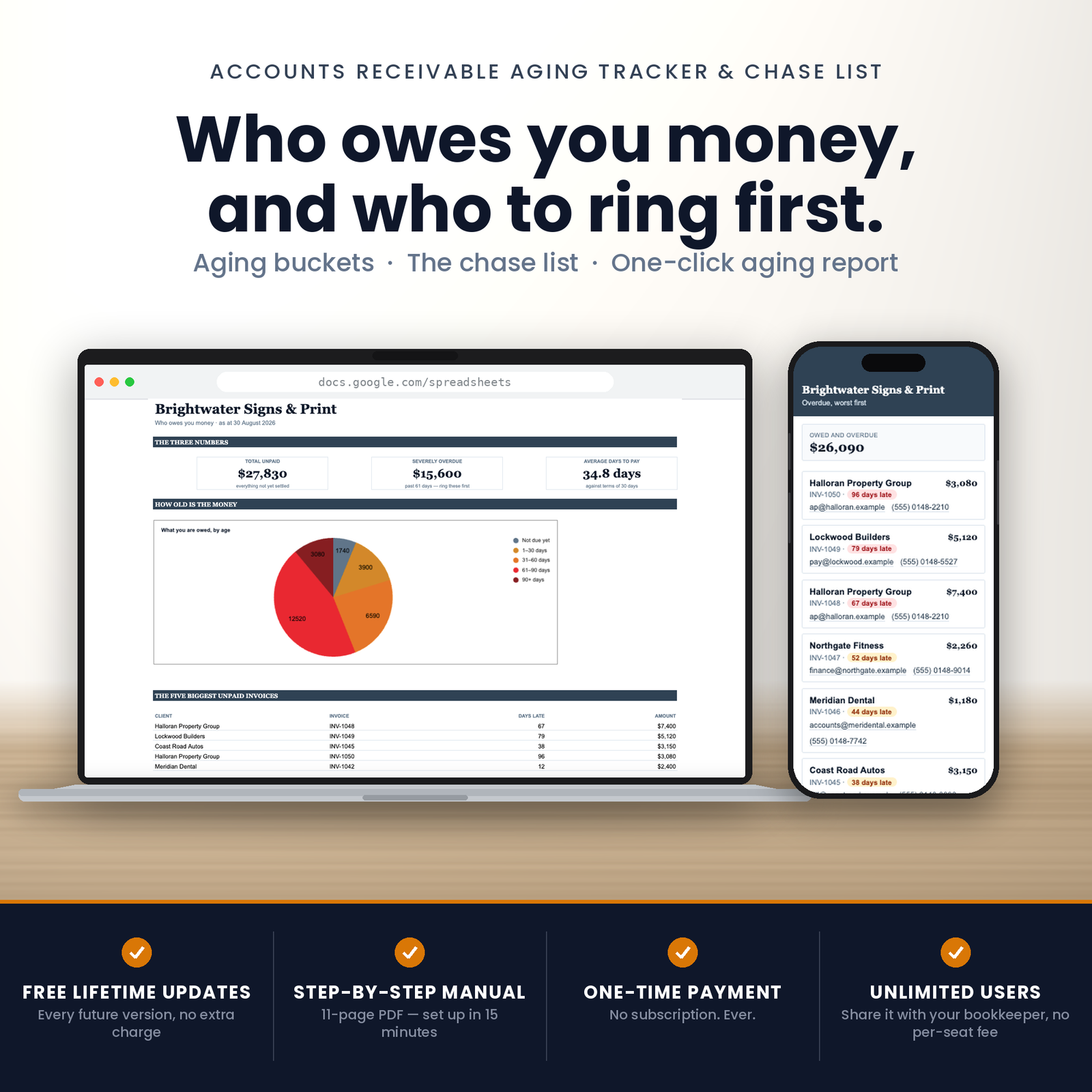
This is an accounts receivable aging tracker for Google Sheets that answers one question properly: who owes me, and who do I ring first?
What you are buying
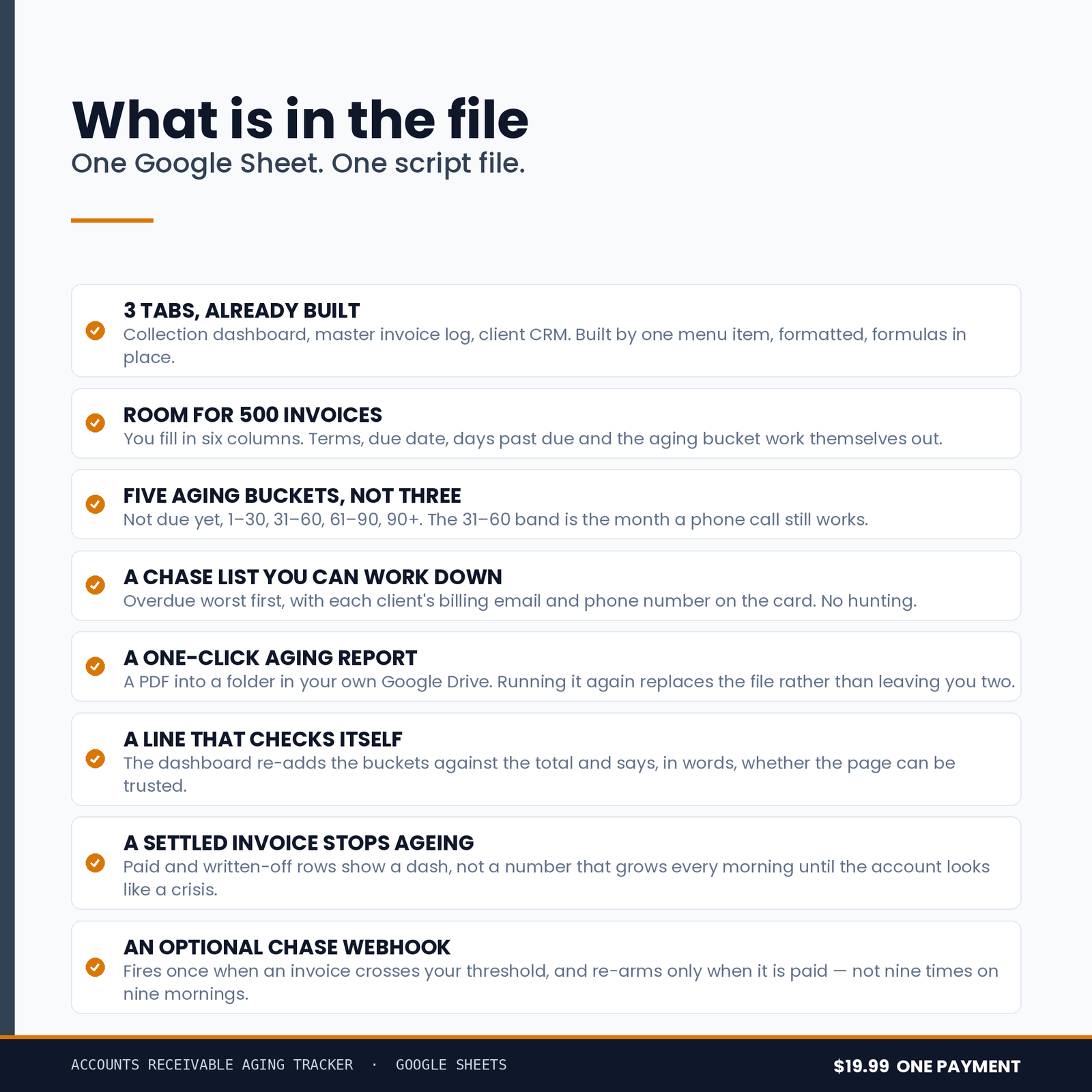
One Google Sheet, copied into your own Drive from a link. Three tabs, built for you in a single run, with a chart and a one-click Aging Report PDF into your own Drive.
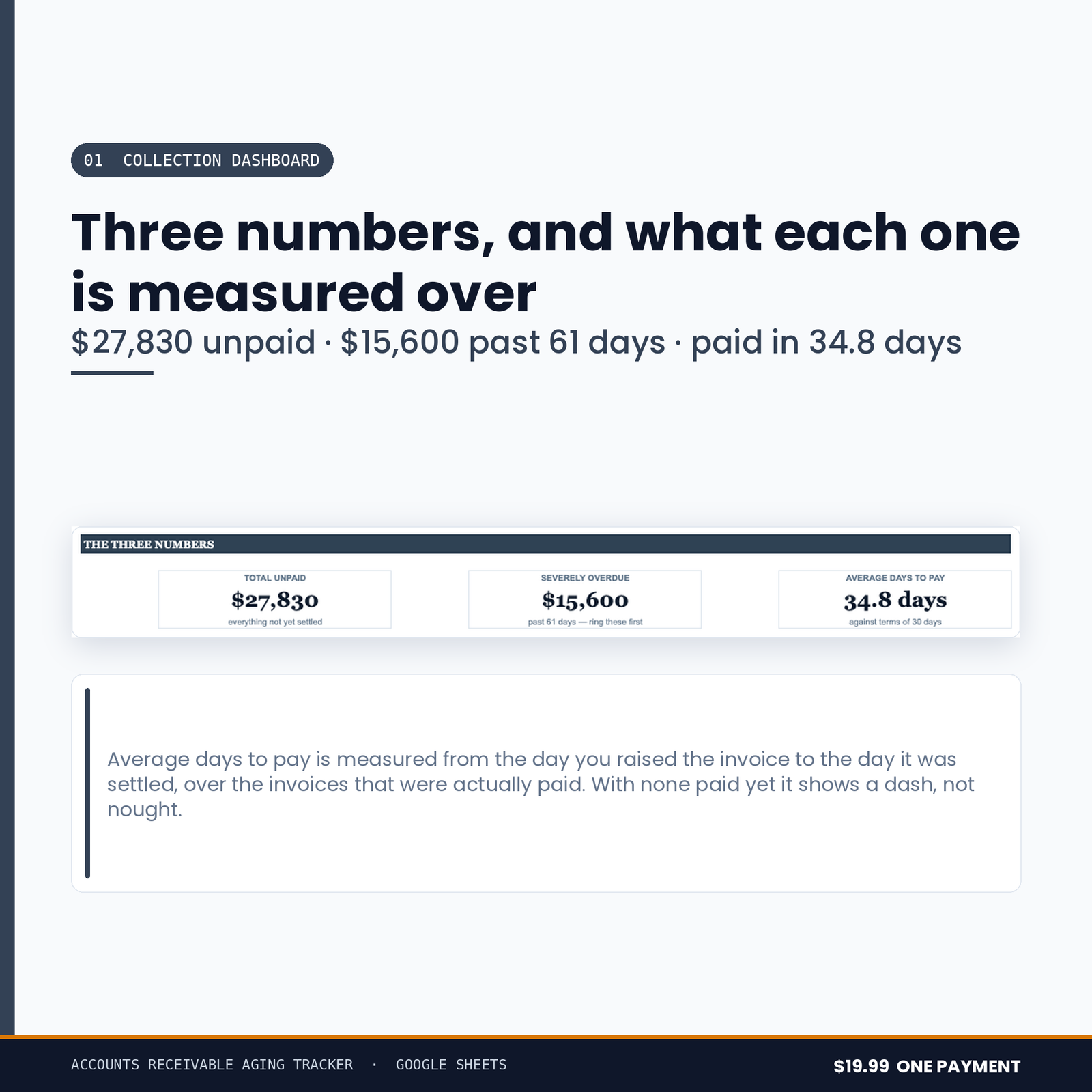
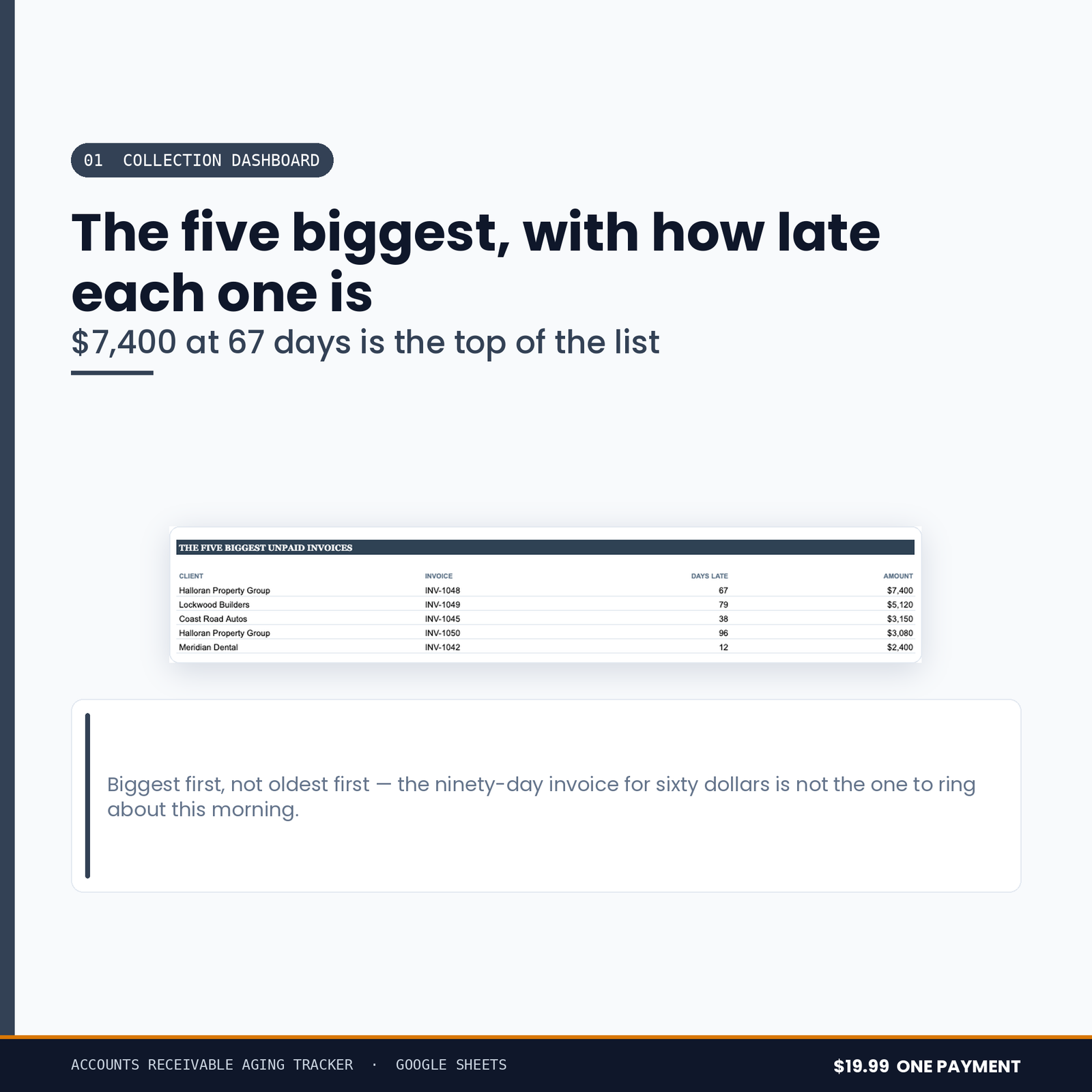
- 01 Collection Dashboard — what you are owed, split by age, with the total that has gone past due
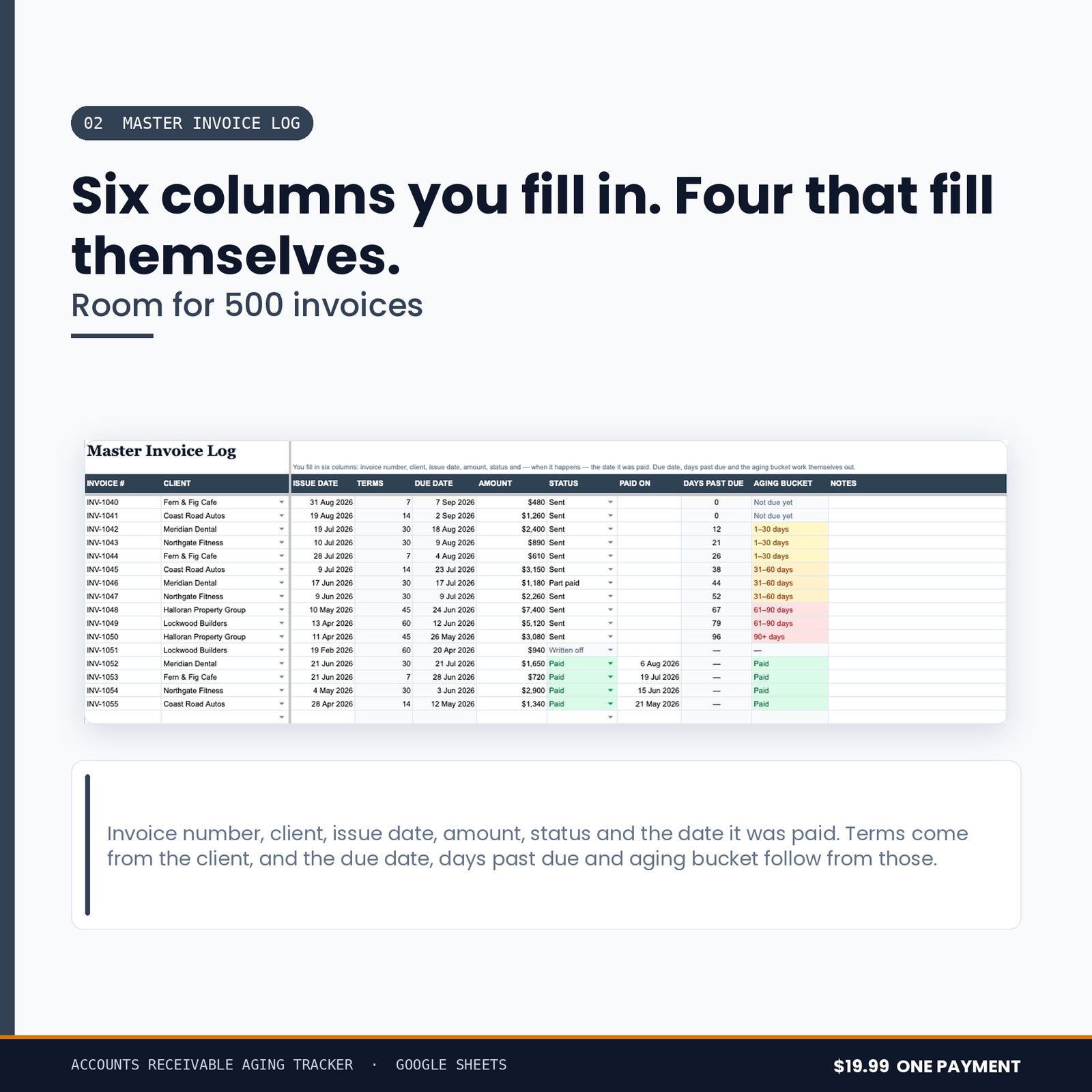
- 02 Master Invoice Log — five hundred invoices, each one aging itself against its own row
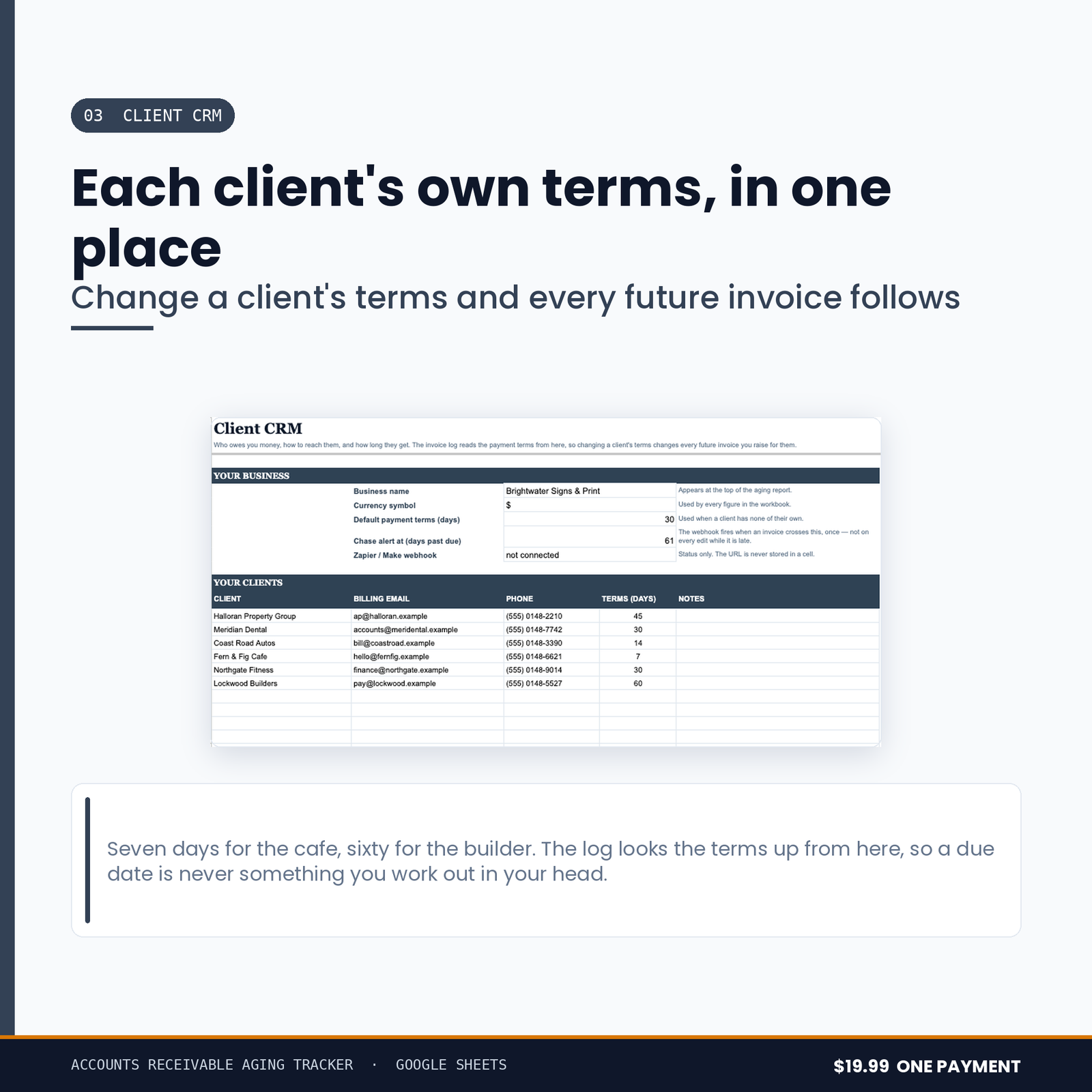
- 03 Client CRM — who each invoice belongs to, and how to reach them
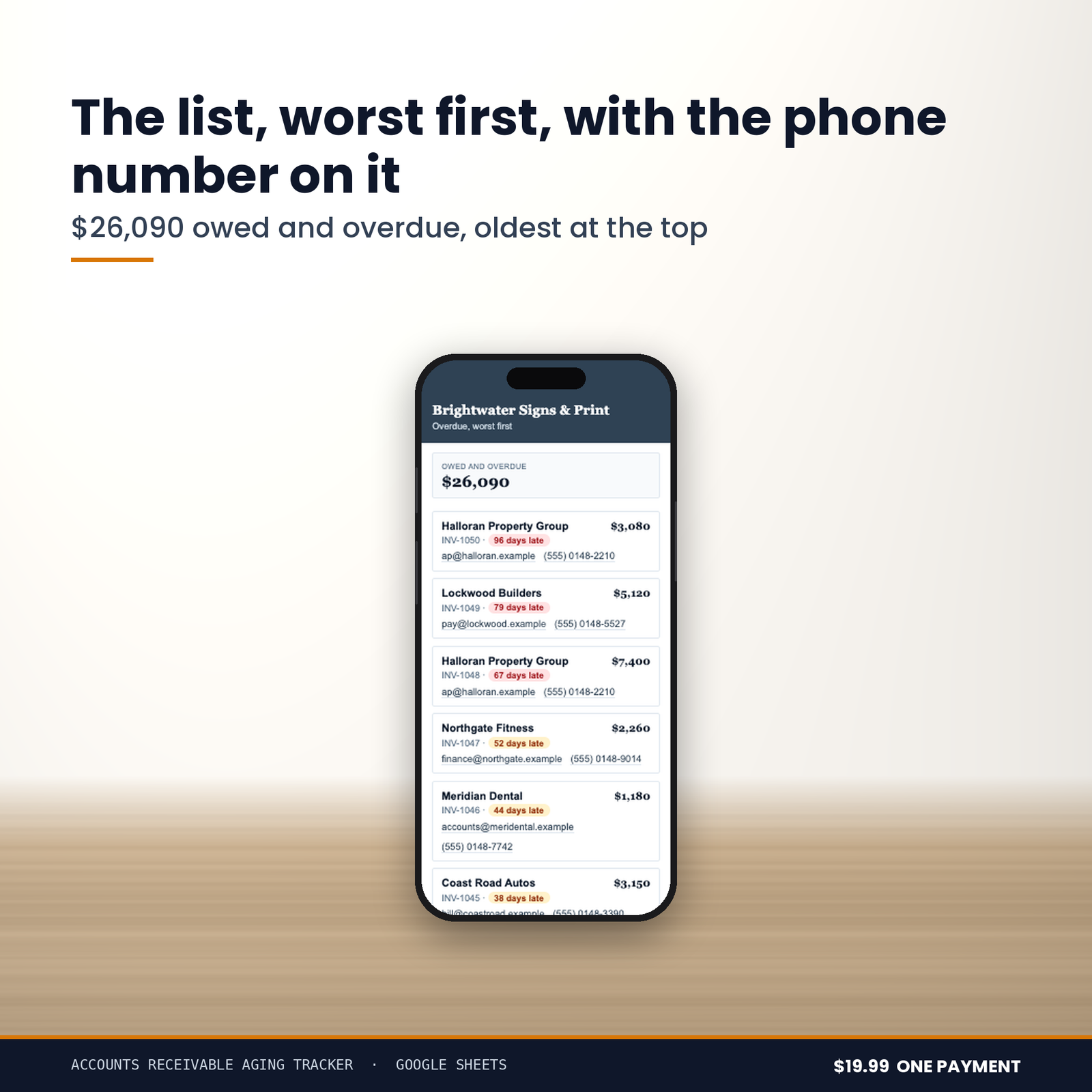
Plus a Who To Chase Today panel built into the workbook itself.
The chart:
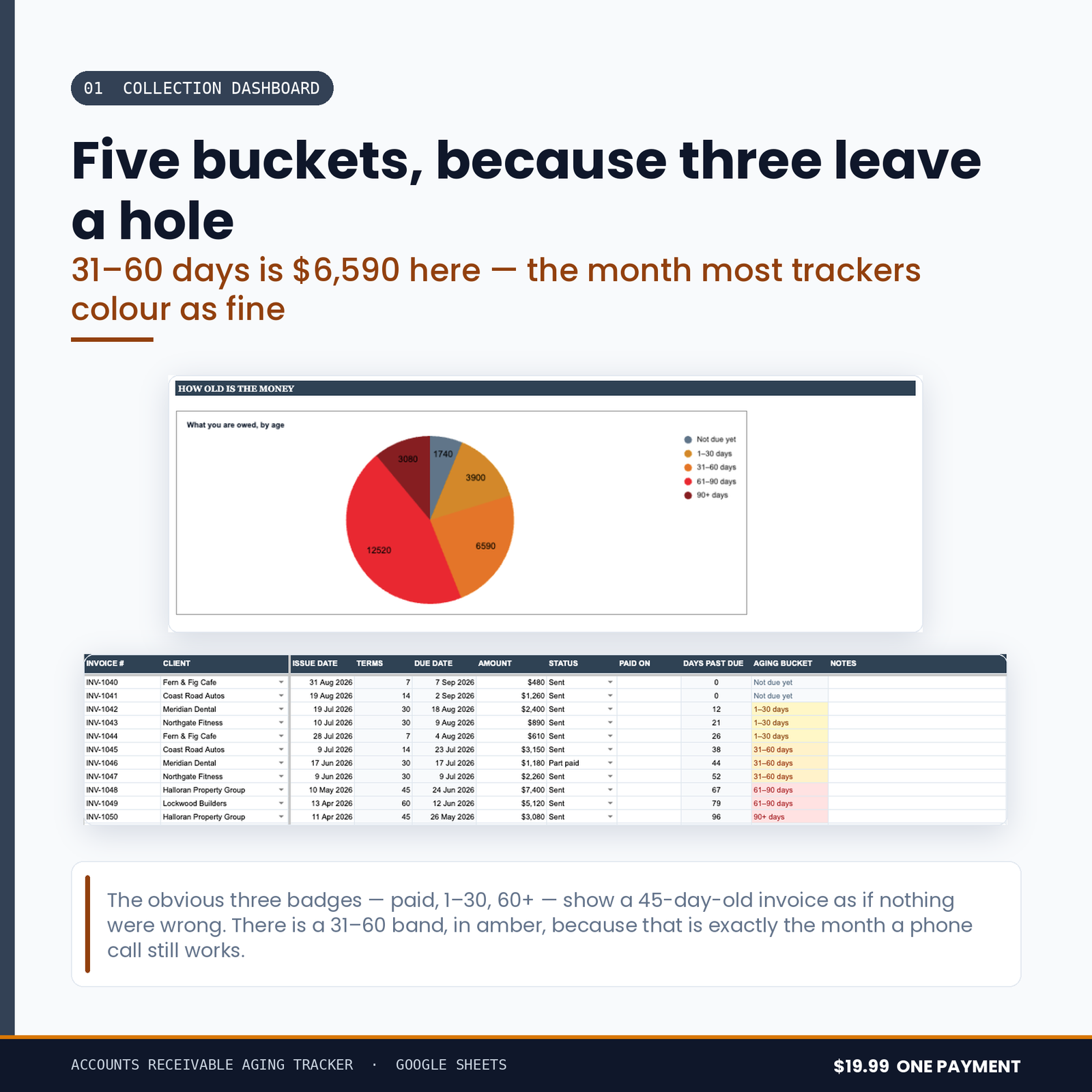
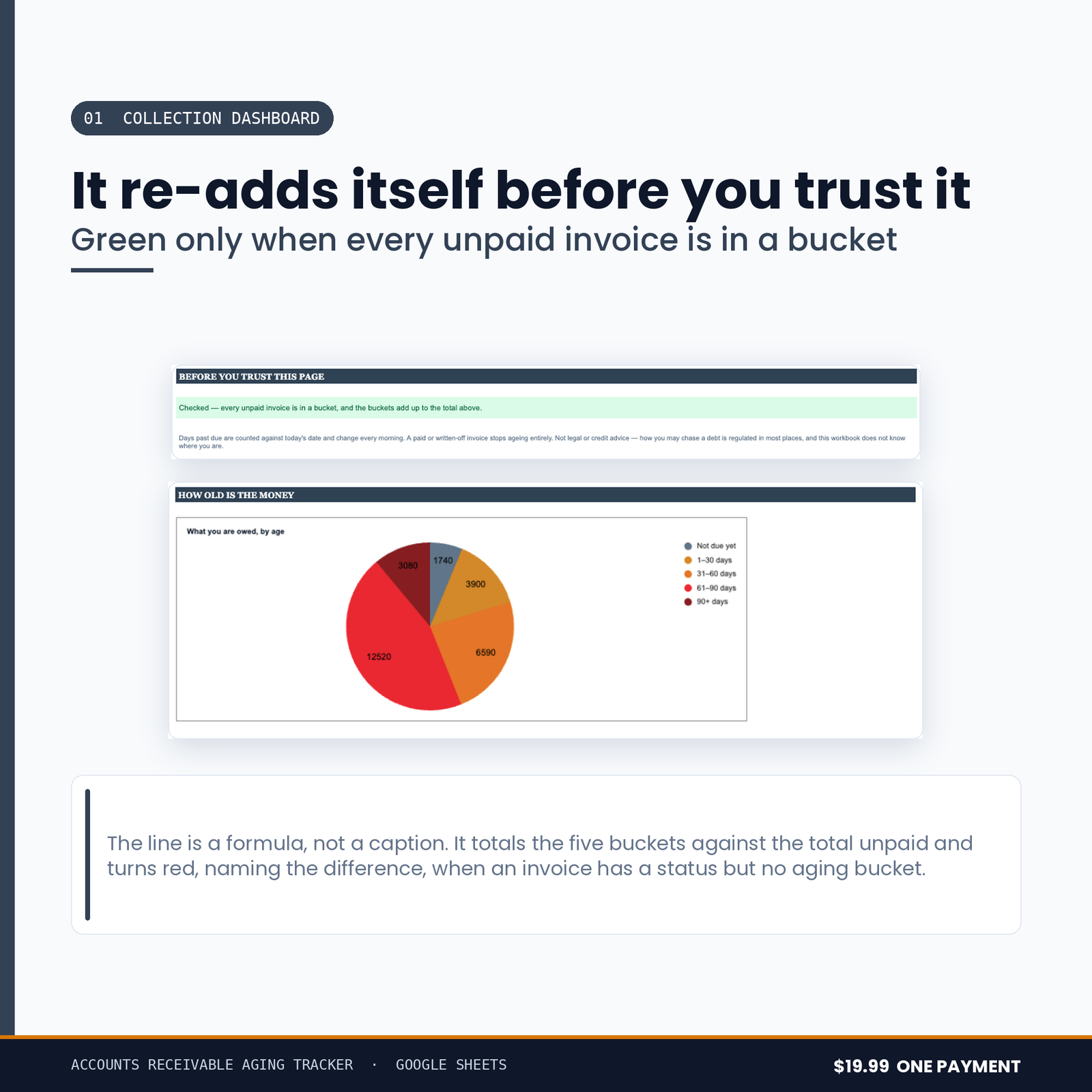
- What you are owed, by age — a pie chart, because the question is what share of your money is old, not how much each bucket happens to be.
What it refuses to do
Anyone can add up a column. This is the list that took the time.
There is no month-wide hole at 31 to 60 days.
The obvious scheme is three badges — current, overdue, very overdue — and it leaves a month in the middle where an invoice is none of them. Five buckets, and every invoice is in exactly one of them on every day of its life.
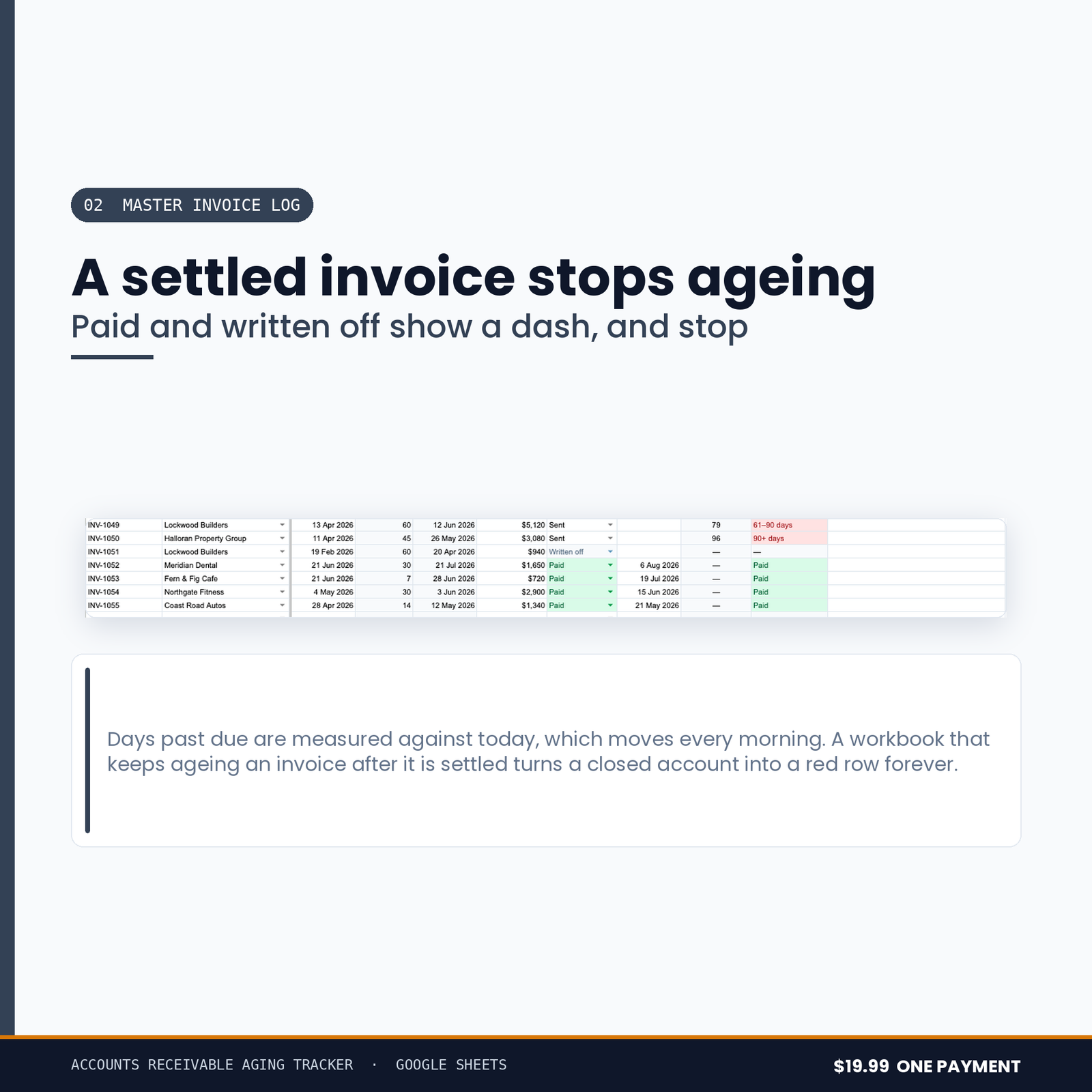
A paid invoice stops aging.
Days late is counted against the payment date once one exists. A tracker that keeps counting after the money arrived reports a customer as ninety days late for an invoice they settled in March.
No invoice is ever minus fourteen days late.
An invoice that is not due yet is not late by a negative number. It is not late.
The same customer is not emailed nine times.
The webhook fires once, on the crossing, and re-arms only when that invoice is settled. An edit trigger that fires on every change sends nine chasers for one late payment, and the ninth one loses you the customer.
Nothing in this suite can email anyone
Not one of these five tools requests a Gmail permission of any kind. That is a stronger promise than a line in a description saying it would never do such a thing: it could not email your customer, your supplier or your accountant if a future version tried, because the permission to do it was never asked for.
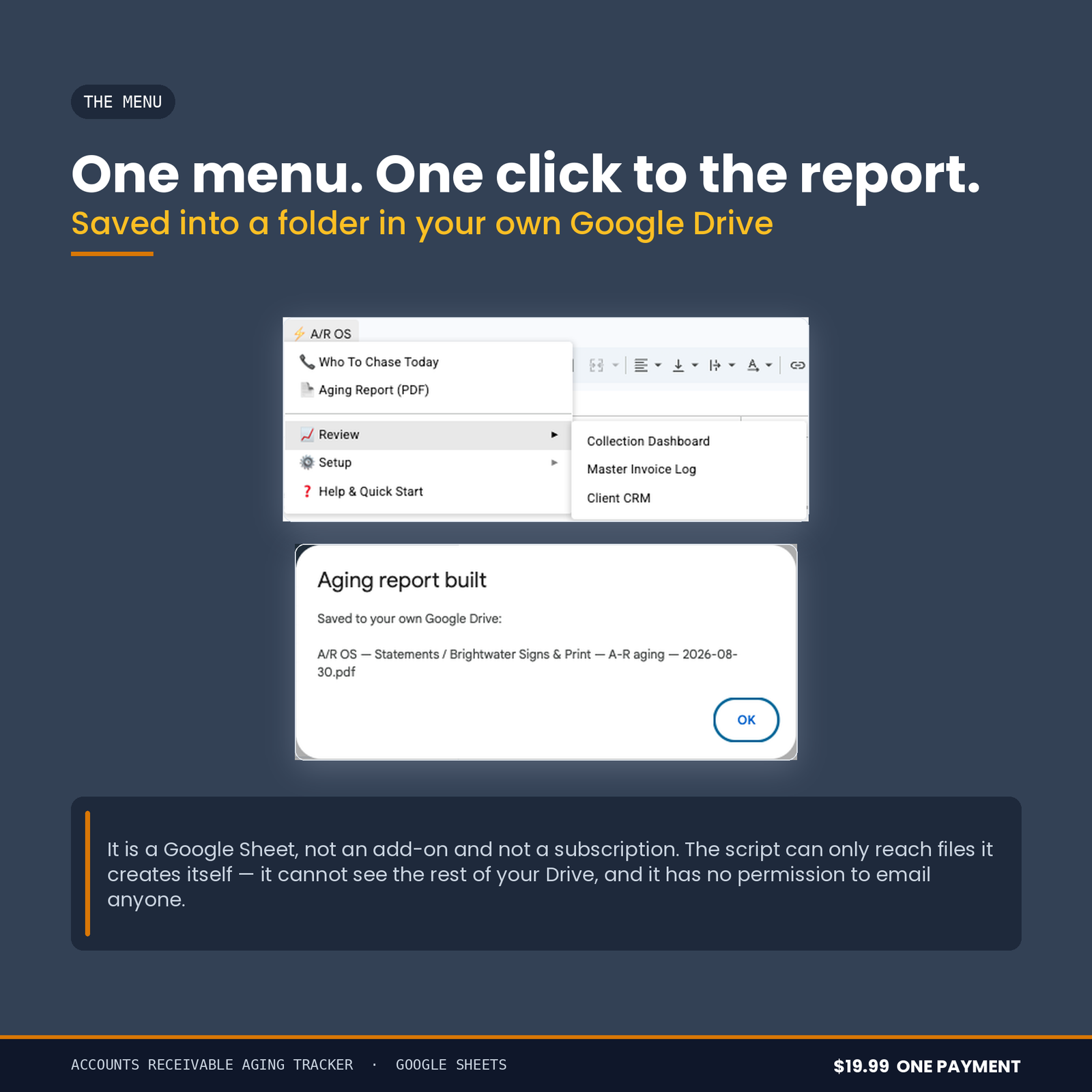
Drive access is drive.file — only files the script itself creates. It cannot see the rest of your Drive. Your figures stay in your own Google account.
From purchase to working, in about fifteen minutes
You get a link and an 11-page PDF setup manual. Press the link, and Google makes you your own copy of the workbook — there is no account to create, no add-on to install and nothing to paste into a script editor.
Open your copy, run ⚡ A/R OS → Setup → 1. Build / Rebuild Workbook, and it constructs every tab, formula, border and the chart itself. You format nothing. Then run Setup → Load Demo Invoices and look at it working on an invented business before you type a figure of your own — one menu item erases the demo again and leaves every formula in place.
Most of the fifteen minutes is you typing in your clients — their billing email, their phone number and how many days each of them gets. The manual walks all of it, and lists the permissions Google will ask for with a written reason for each one.
What you need
A free Google account. It runs on Google Apps Script, so it will not work in Excel, Numbers or LibreOffice — said here rather than in a refund email.
Buying more than one
All five tools in this range are sold together as the Small Business Financial Control Suite for $49.99. Bought separately the five come to $104.95.
Before you buy
This is a spreadsheet, not an accountant. It applies no accounting standard, offers no assurance, and is not a substitute for a qualified accountant or bookkeeper. Nothing in it is tax, financial or legal advice, and nothing it produces has been approved by any authority. Every figure it shows is arithmetic on what you typed into it.
Chasing a debt is regulated in most places, and the rules differ by country and sometimes by state. This workbook tells you who owes you what and for how long. What you do about it — how often you contact someone, what you say, what you charge — is between you, your customer and, where it matters, a qualified adviser.