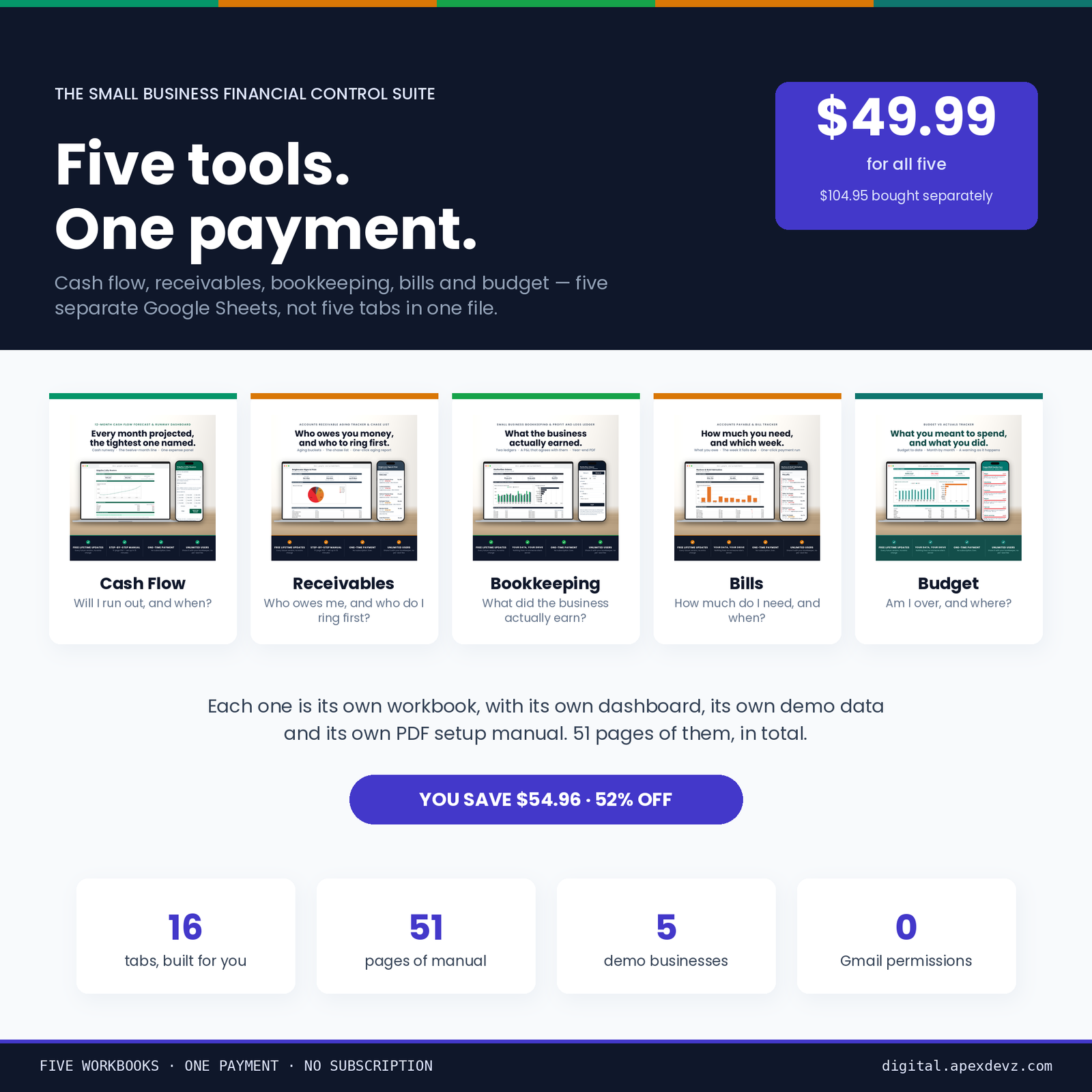
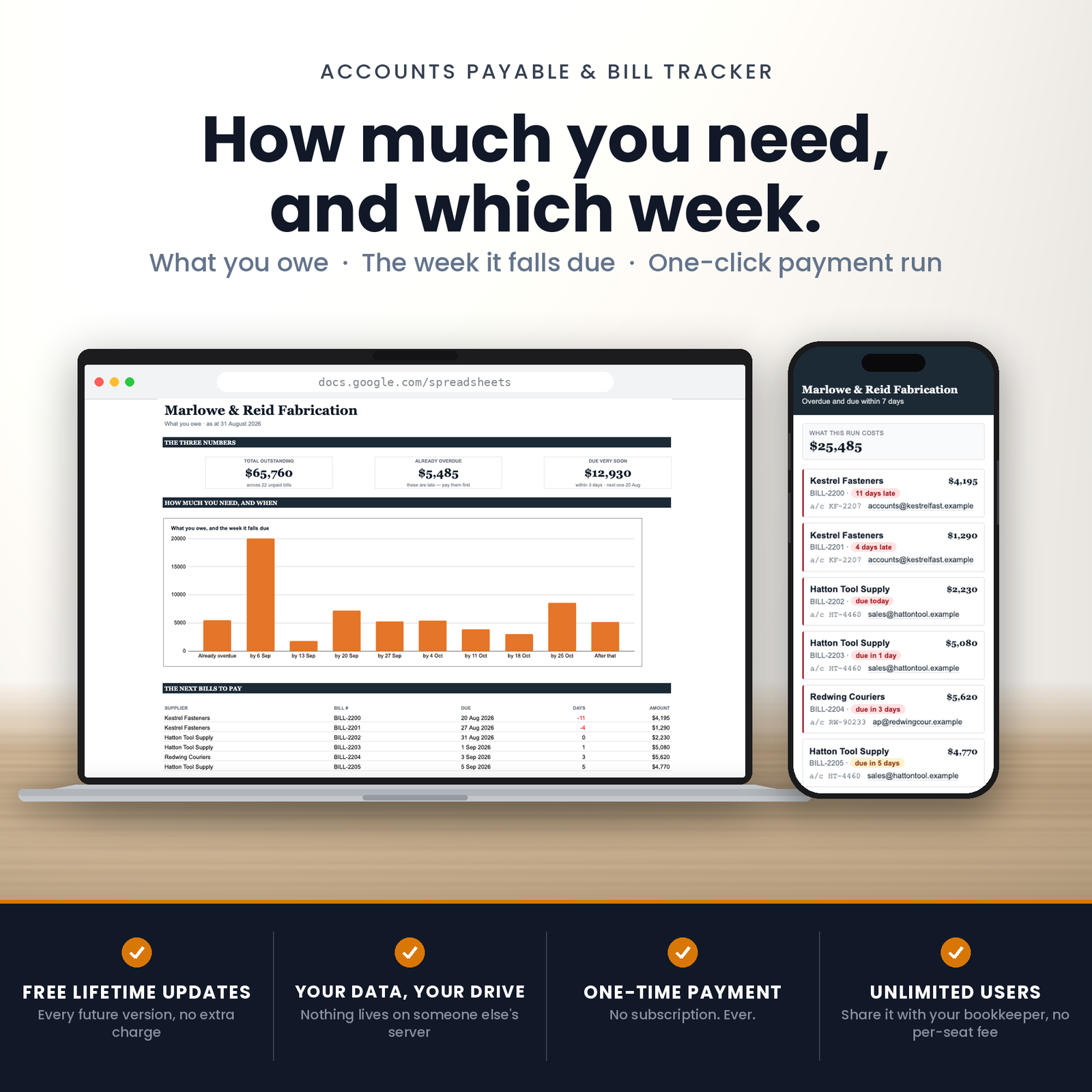
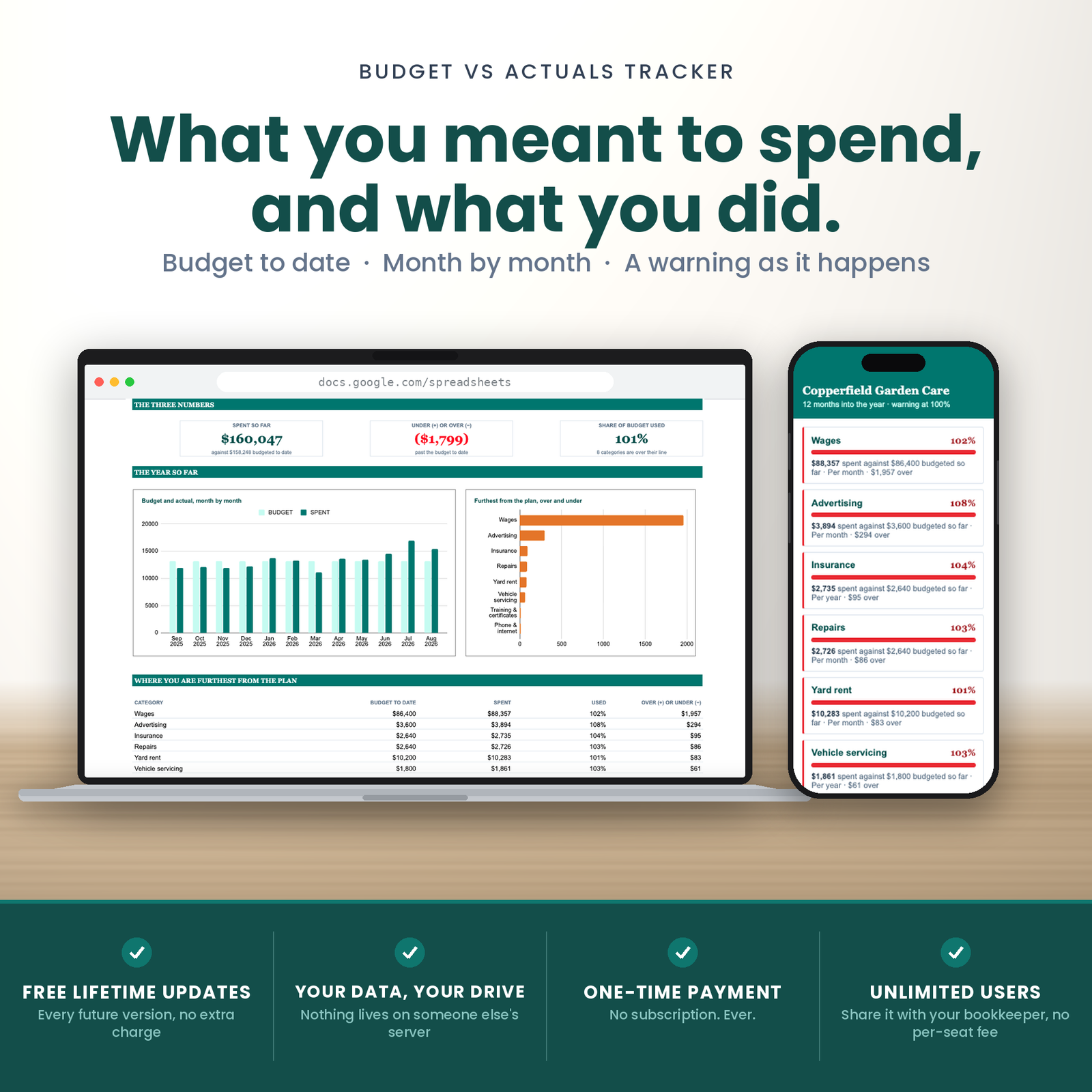
Five small business finance spreadsheets for Google Sheets that between them answer the five questions a business actually asks about its own money — and refuse to answer any of them with a confident wrong number.
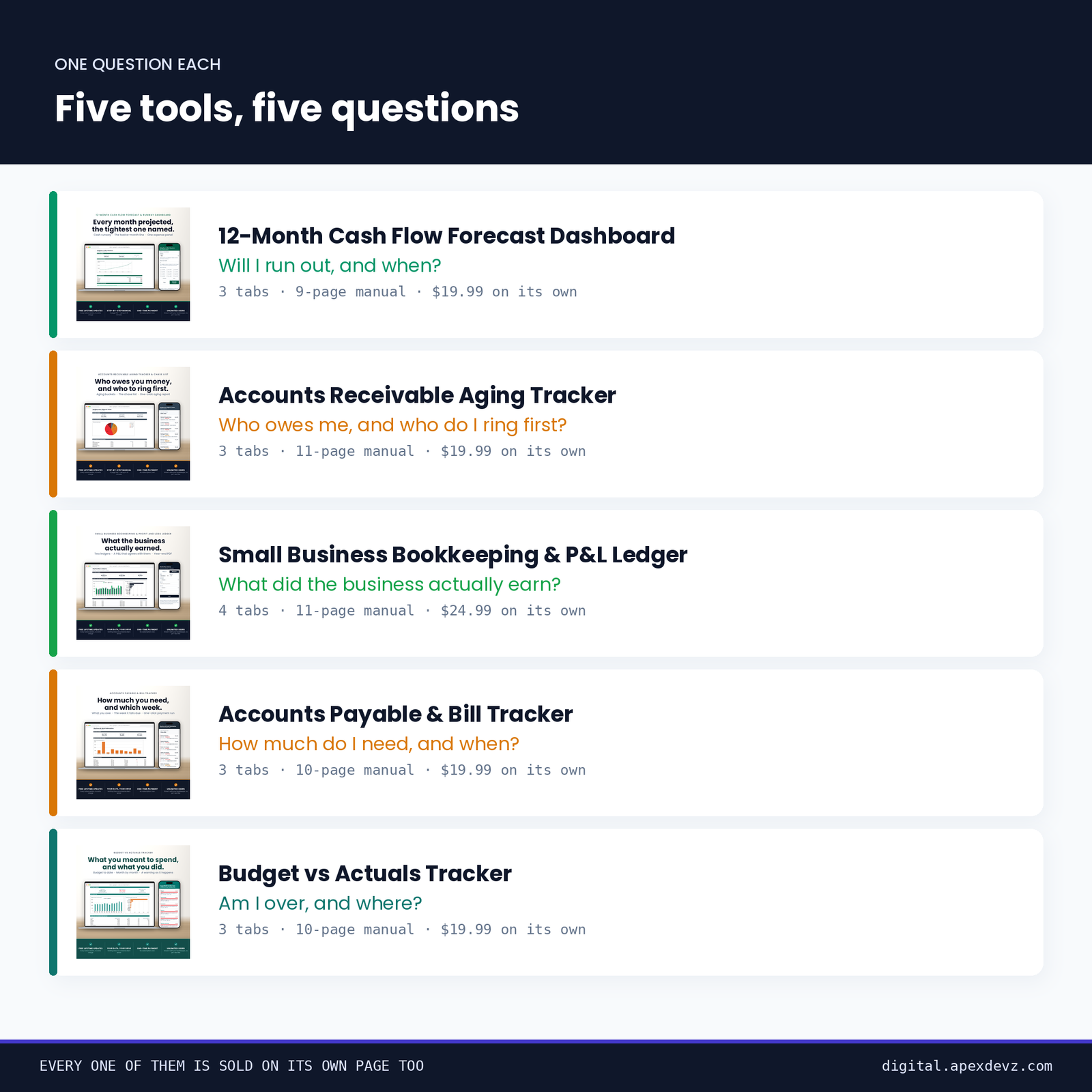
The five
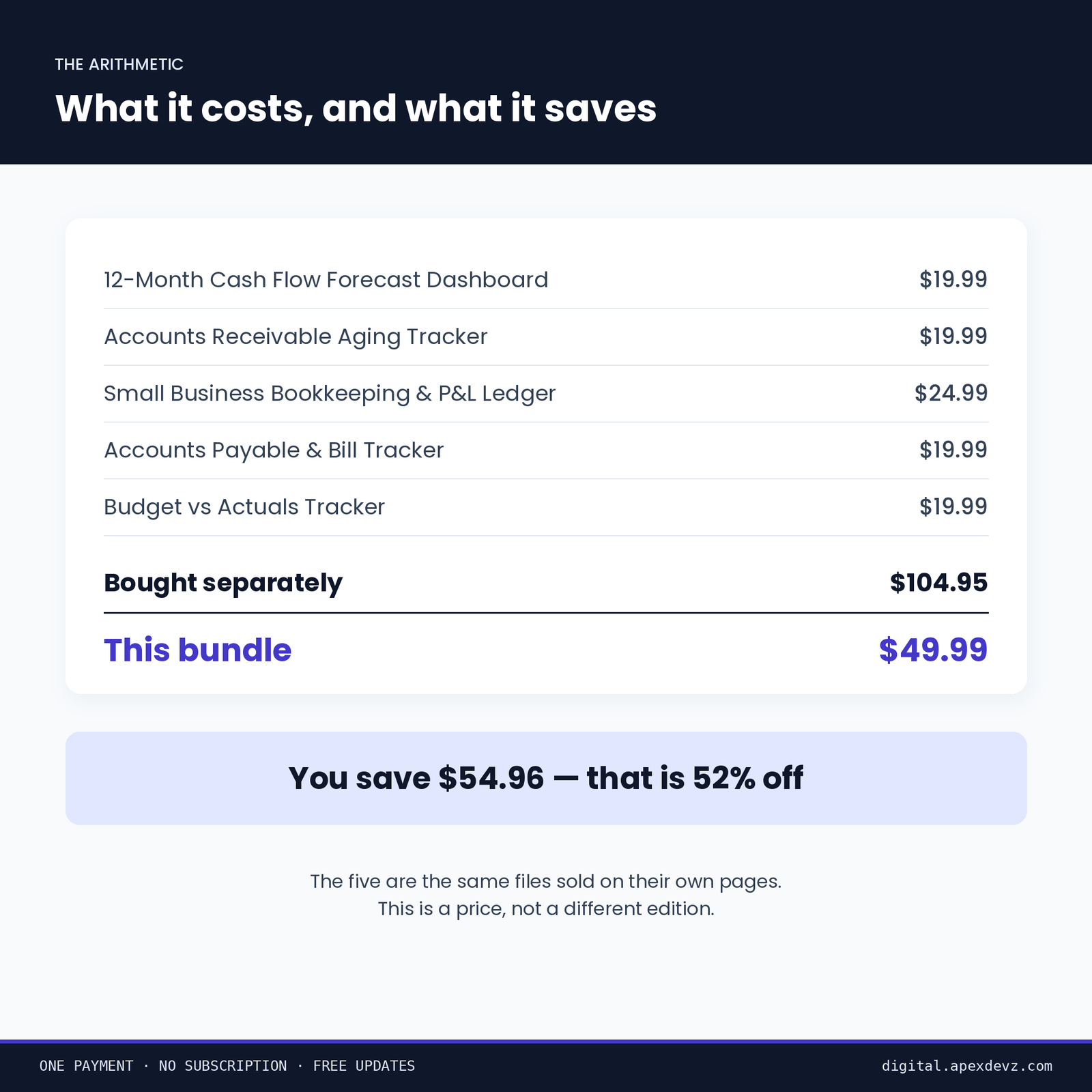
You save $54.96, which is 52% off. The five are the same files sold on their own pages — this is a price, not a different edition.
Why five small business finance spreadsheets beat one
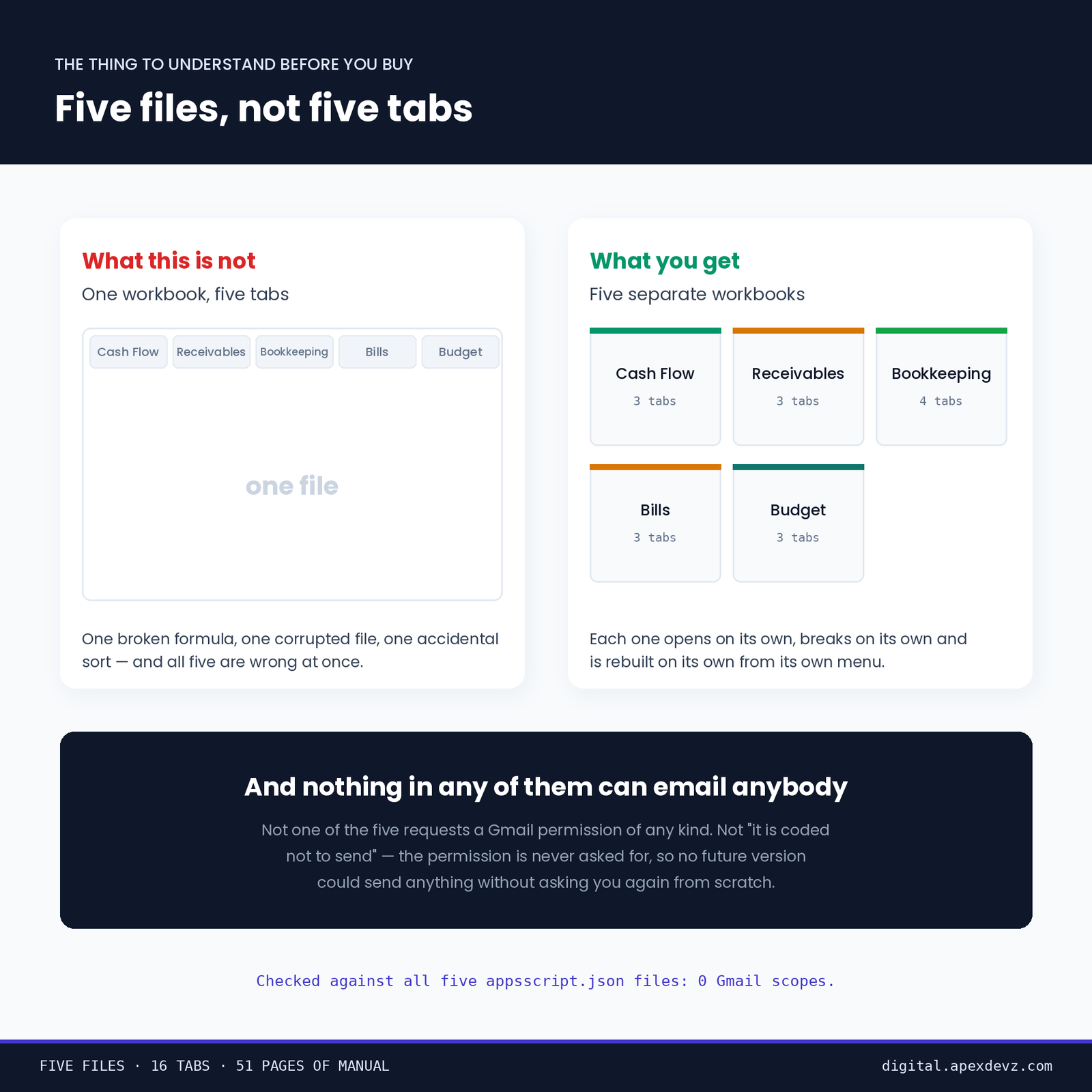
They are not five views of one spreadsheet. Each is its own workbook, so a bookkeeper can hold the ledger while you keep the forecast, and one of them going wrong cannot take the other four with it.
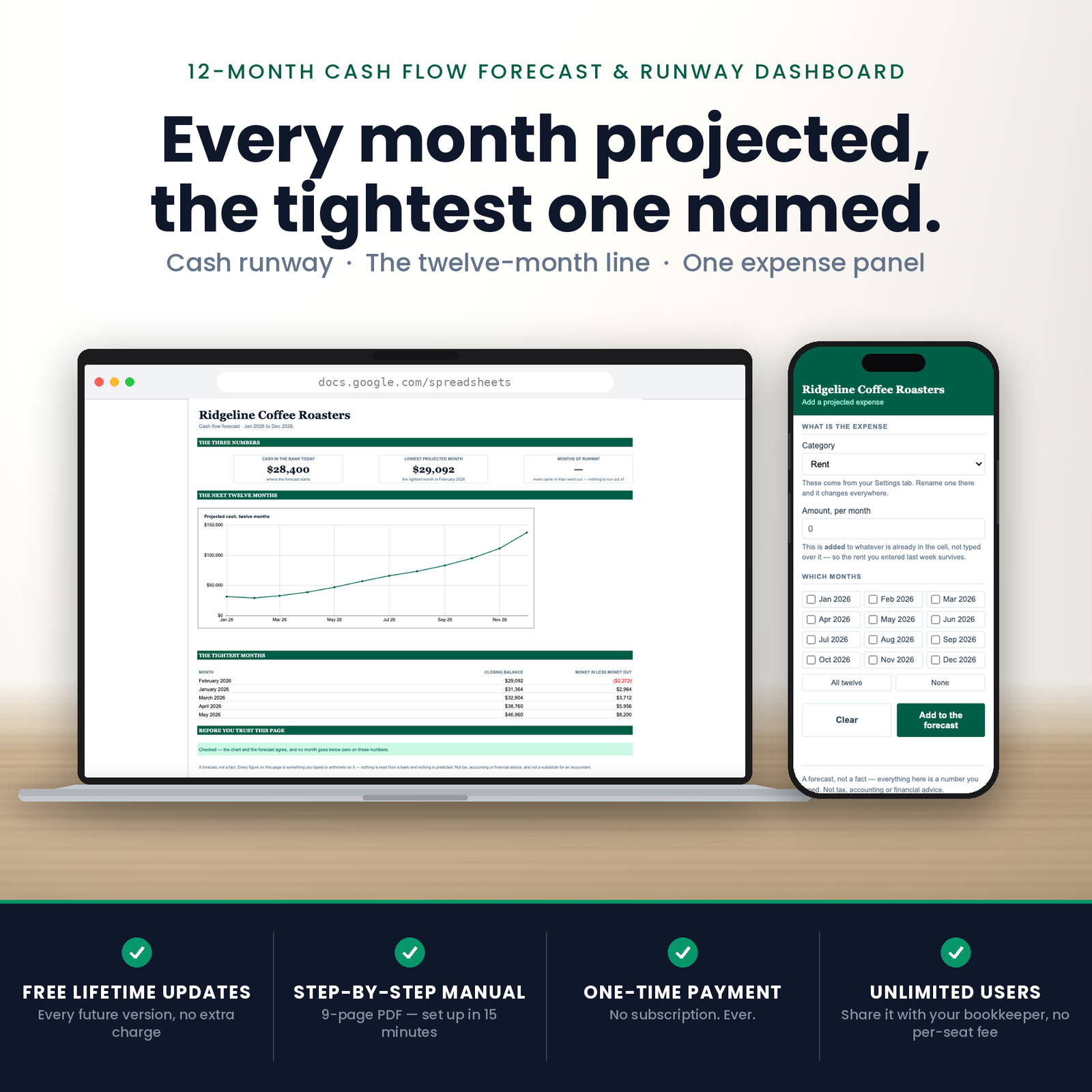
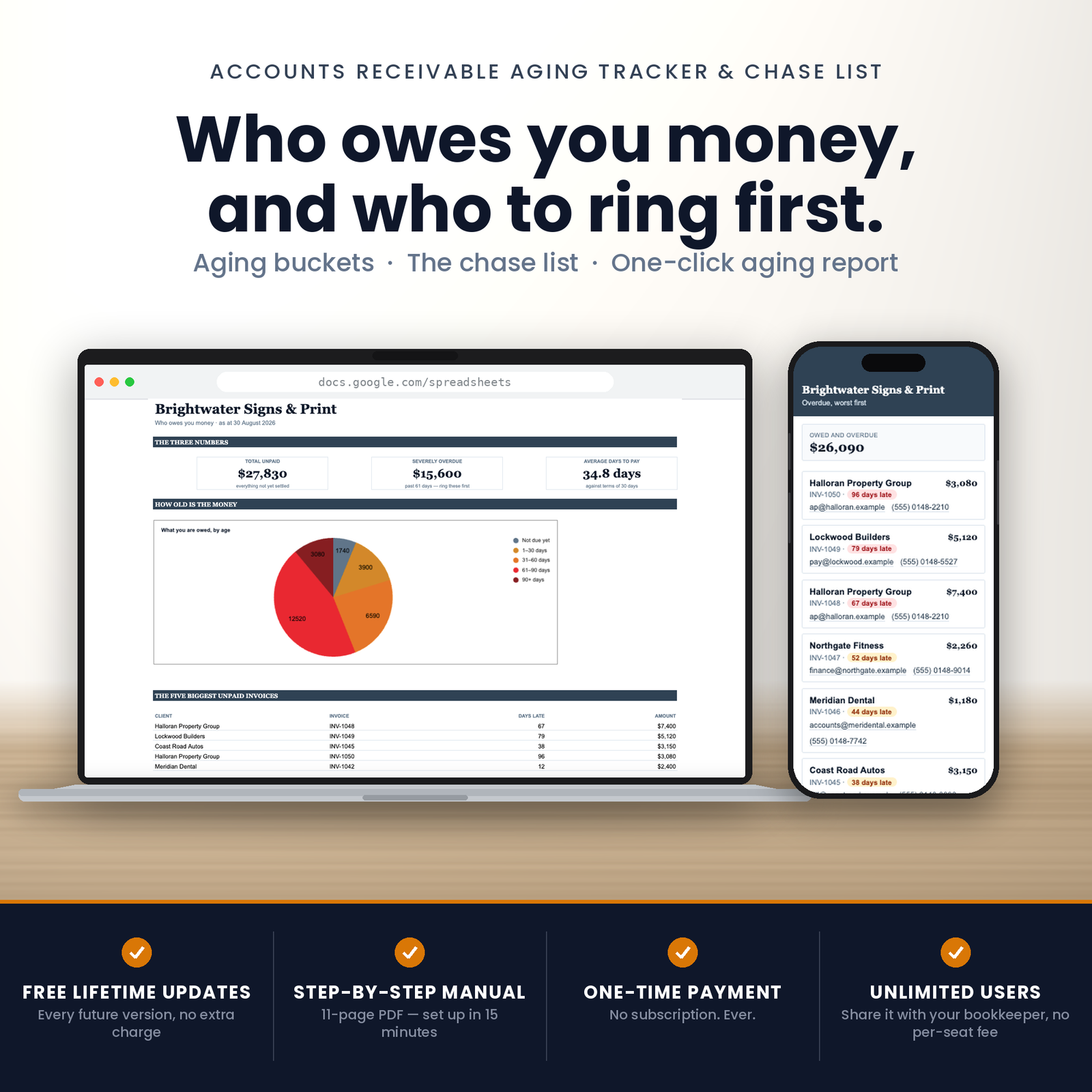
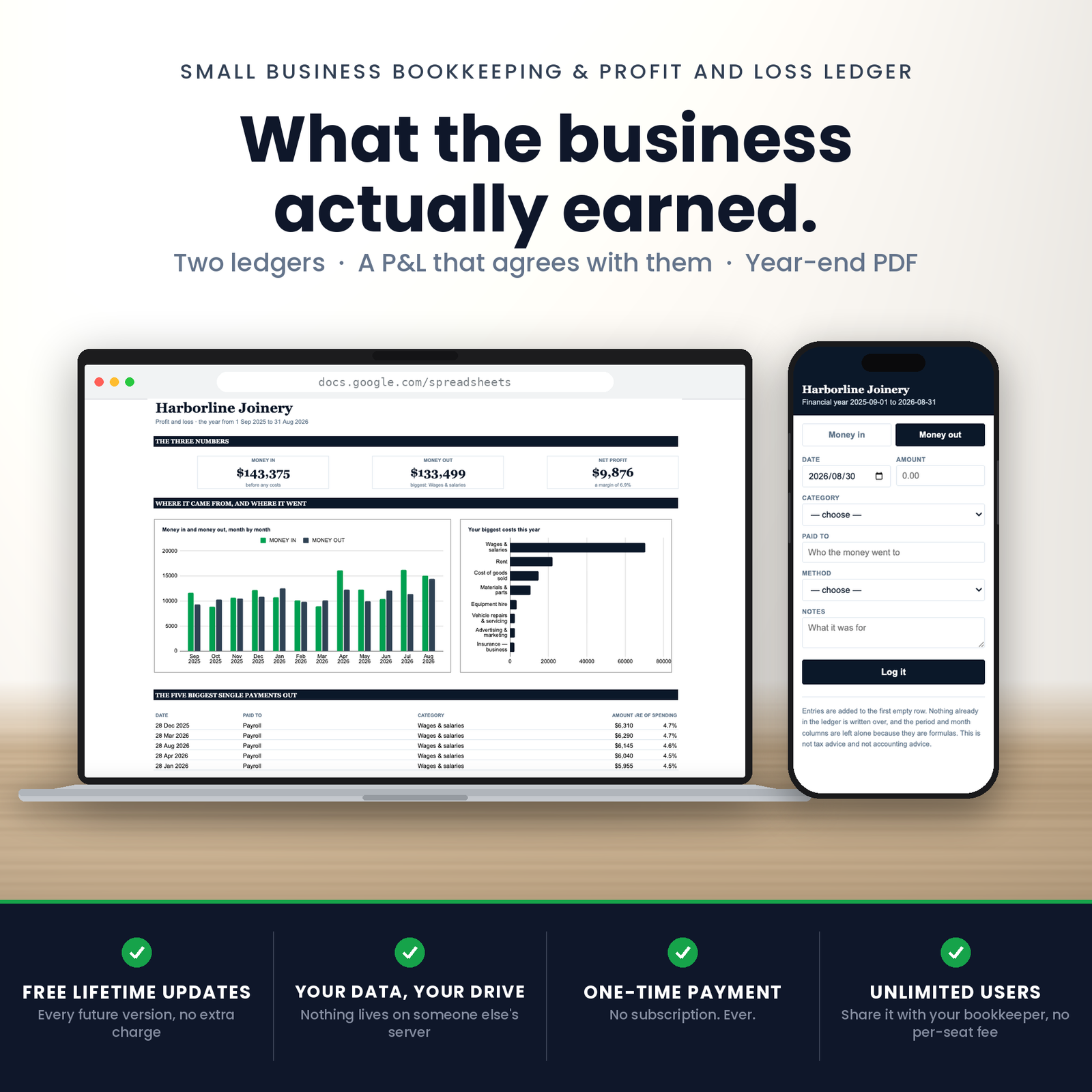
But they answer in sequence. What did we earn comes off the ledger. Who owes us and what do we owe are the two halves of the money that has not moved yet. Are we over compares the year to the plan. And will we run out is the one that wakes people up, which is why it has its own dashboard and a runway figure that refuses to read zero when the business is making money.
What they share
- The same refusal to guess. Every division with no answer returns an em dash and says why in words. Not one of them prints “0%” for a business with no income, or “0 months of runway” for one that is profitable.
- A total that agrees with its parts, or says so. Each dashboard adds itself up a second way and prints the difference in writing.
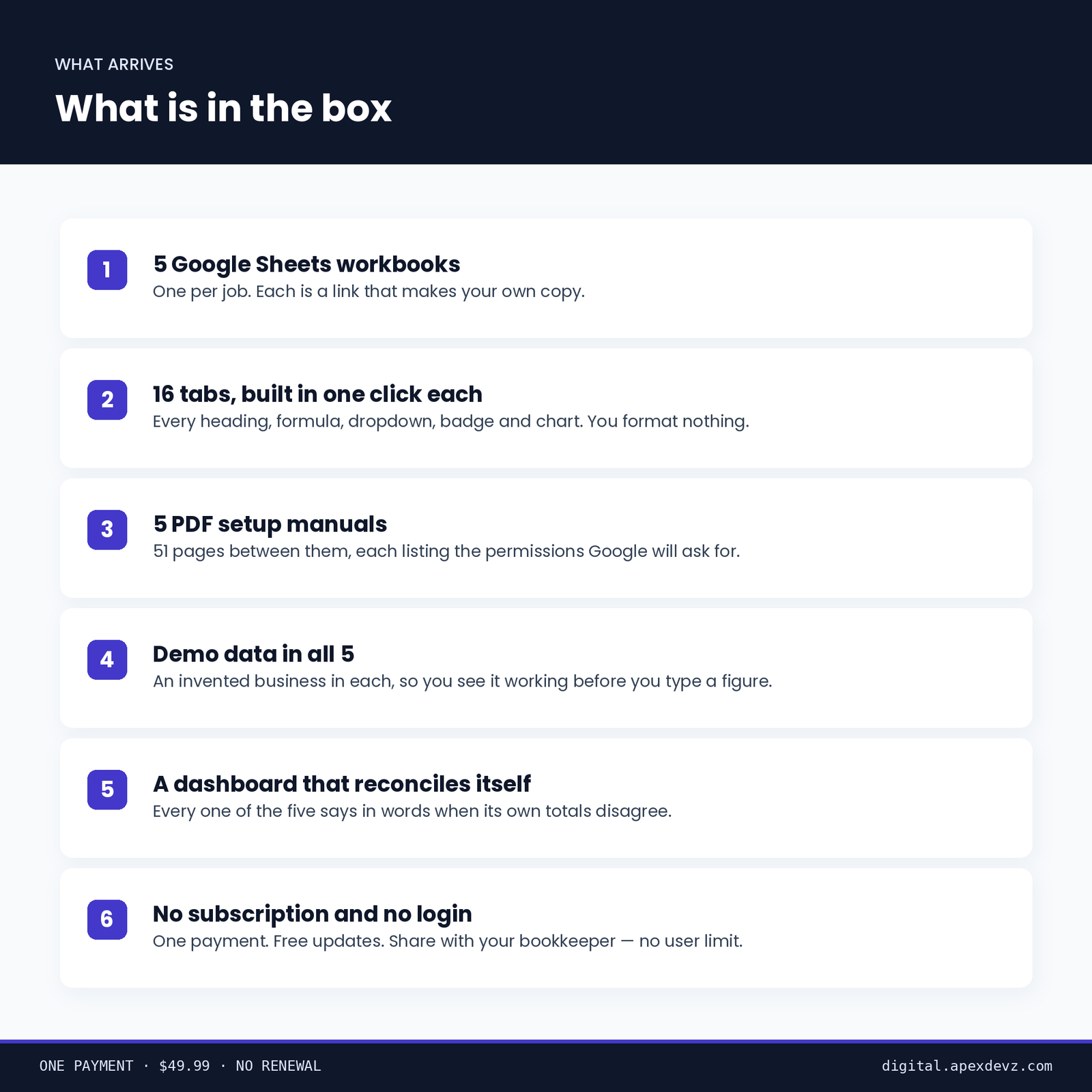
- Demo data in every one. An invented business so you can see every badge, chart and warning working before you type a real figure. One menu item erases it.
- A PDF of its own, into your own Drive.
- Free lifetime updates, on all five.
Nothing in this suite can email anyone
Not one of these five tools requests a Gmail permission of any kind. That is a stronger promise than a line in a description saying it would never do such a thing: it could not email your customer, your supplier or your accountant if a future version tried, because the permission to do it was never asked for.
Drive access is drive.file — only files the script itself creates. It cannot see the rest of your Drive. Your figures stay in your own Google account.
Installing five workbooks
Each is its own Google Sheet, and all five come as a link: press it, Google makes you your own copy, and you run one menu item. The workbook builds every tab, formula and chart itself.
Do them one at a time as you need them — nothing here depends on any of the others being set up first.
What you need
A free Google account. These run on Google Apps Script and will not work in Excel, Numbers or LibreOffice.
Before you buy
This is a spreadsheet, not an accountant. It applies no accounting standard, offers no assurance, and is not a substitute for a qualified accountant or bookkeeper. Nothing in it is tax, financial or legal advice, and nothing it produces has been approved by any authority. Every figure it shows is arithmetic on what you typed into it.